
What if a name is missing?
Can’t find a name? Ask for it — and help the next person, too.
NameShouts covers hundreds of thousands of names across many languages, and the database keeps growing. If the name you need isn’t there yet, you can request it in a couple of clicks.
Requesting a Name from Search
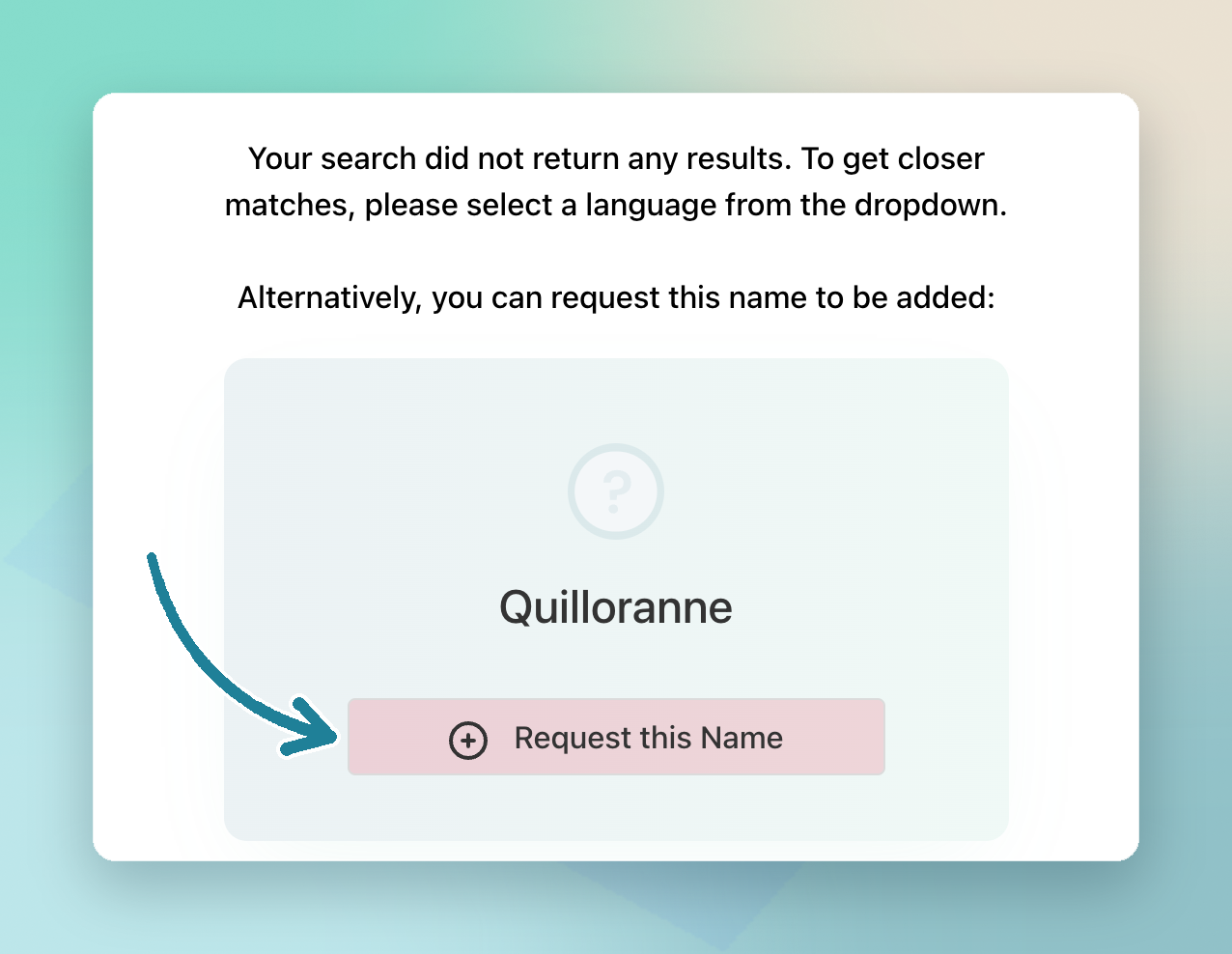
- Search the name as usual
- If nothing comes up, click Request this name
- On a paid plan? Mark the request as urgent so the team can prioritize it
When the name is added, you’ll see a notification in the top-right corner of the app.
Requesting Several Names from a List
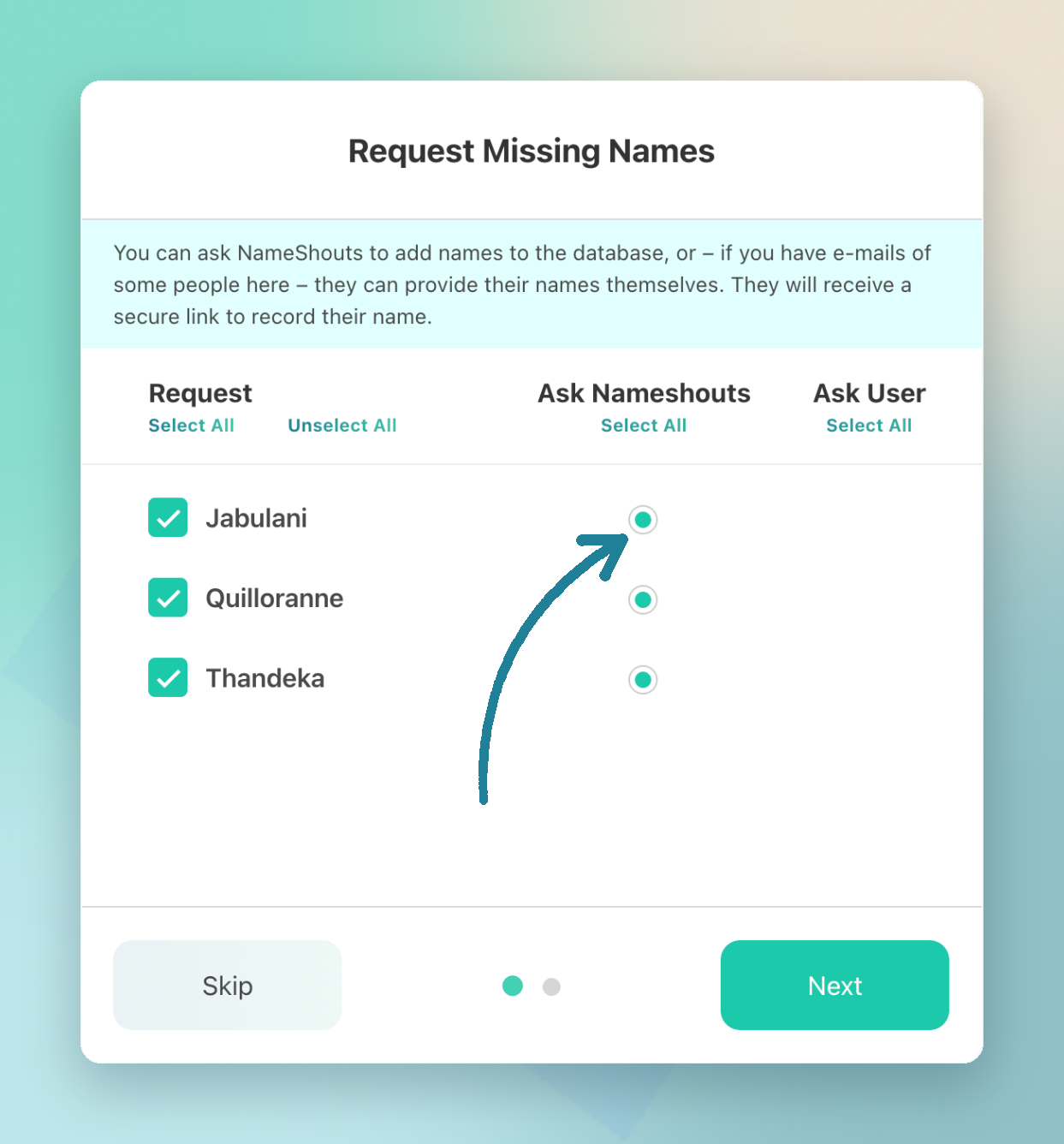
After you upload a list, click Request missing names. From there, you can:
- Ask NameShouts to add the names for you
- Invite people to record or verify their own pronunciation (if you included their email addresses)
Good to know: Searches that come up empty don’t count against your monthly allowance. You only use a shout when NameShouts returns a result.
Tip: Don’t know the person? Ask NameShouts to add the name. You’ll get a pronunciation — and so will the next person who searches for it.
TL;DR
- Click Request this name when a search comes up empty
- Use Request missing names for a whole list
- If you can't find a name, your search count will not go up.