
Use NameShouts for Chrome
Pick your sites, open a profile, and hear the name — right there on the page.
Once the extension is installed and you’re signed in, choose where it should show up. Then just open a profile on one of those sites.
🎥 Prefer to watch? Here's a quick video walkthrough.
How to Choose Your Sites
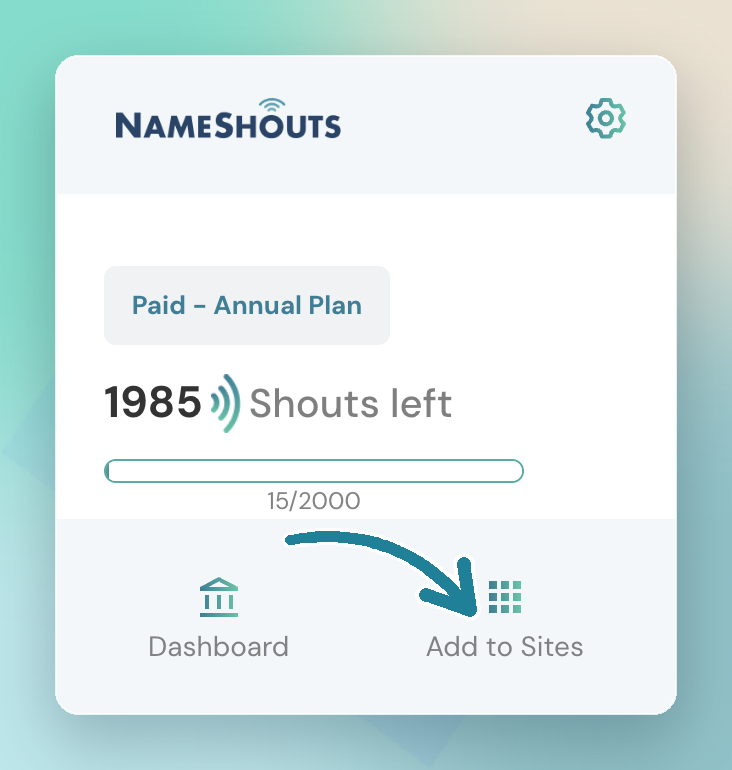
- Open the extension
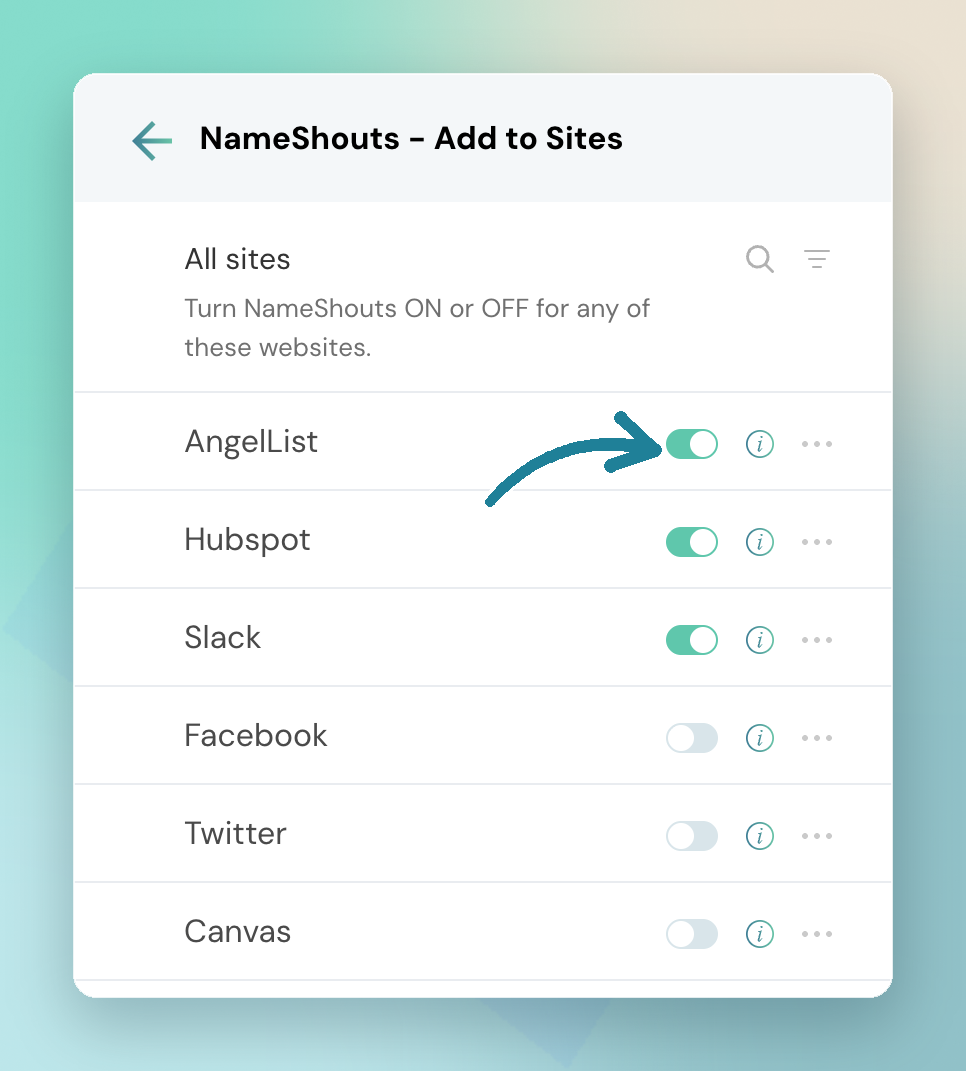
- Click Add to sites and choose the websites you want NameShouts to work on
- Visit a profile on one of those sites — the extension will offer the audio and phonetic pronunciation for the name on the page
How to Use a Custom List
Keep combo names, personal recordings, or verified pronunciations in a list? You can point the extension at that list.
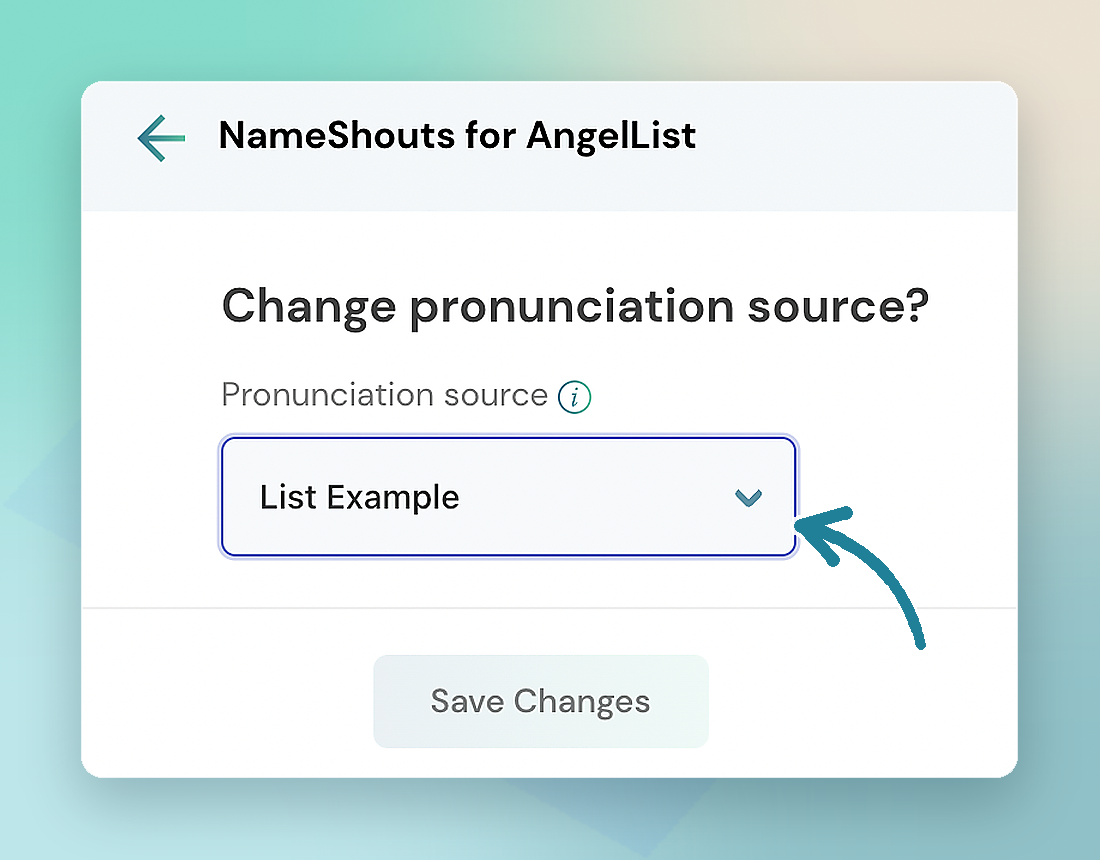
- Open the three-dot menu in the extension
- Select Change name source
- Choose the list you want the extension to use
Good to know: Searches in the extension count the same way as searches in the web app or the API — each successful result uses one shout.
Tip: Only add the sites you actually use. It keeps the extension focused and easier to scan.
TL;DR
- Choose your sites with Add to sites
- Open a profile to hear the name
- Use Change name source to pull from your own list
- Extension searches count like any other search