
Update your pronunciation
Record a fresh version anytime — your link stays the same.
Maybe your pronunciation has changed, or you just want a clearer take. Either way, you can record a new version of your name whenever you like.
How to Replace Your Recording
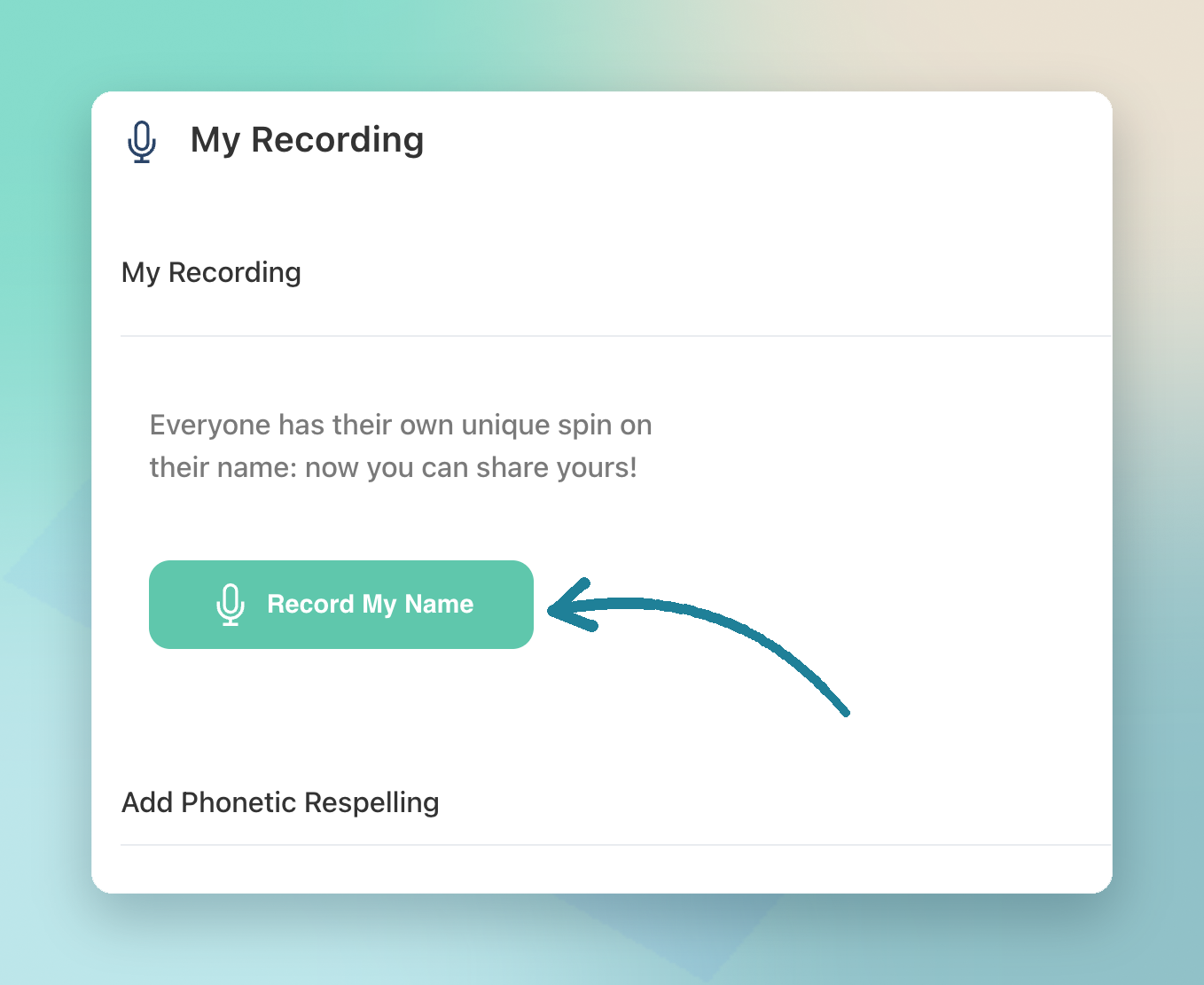
- Open My Account, then My Recording
- Click Record my name and record a new version
- Save the recording
If you have a public link turned on, it’ll use the latest version automatically.
Already Shared Your Link?
No problem. If you’ve added your link to an email signature or a profile, you don’t need to change the URL — anyone who opens it will hear the updated audio.
Tip: Want to keep the new version to yourself until it’s ready? Turn sharing off before you record, then switch it back on when you’re happy with it.
TL;DR
- Re-record anytime from My Recording
- Your public link updates automatically
- No need to change links you’ve already shared