
Edit your profile
Keep your details current — and share only what you want to.
Your profile is what other people see on your Name Card, plus the details NameShouts uses to keep your account in order. You can update it anytime.
How to Open Your Profile
- Click your avatar in the top-right corner
- Choose Profile manager
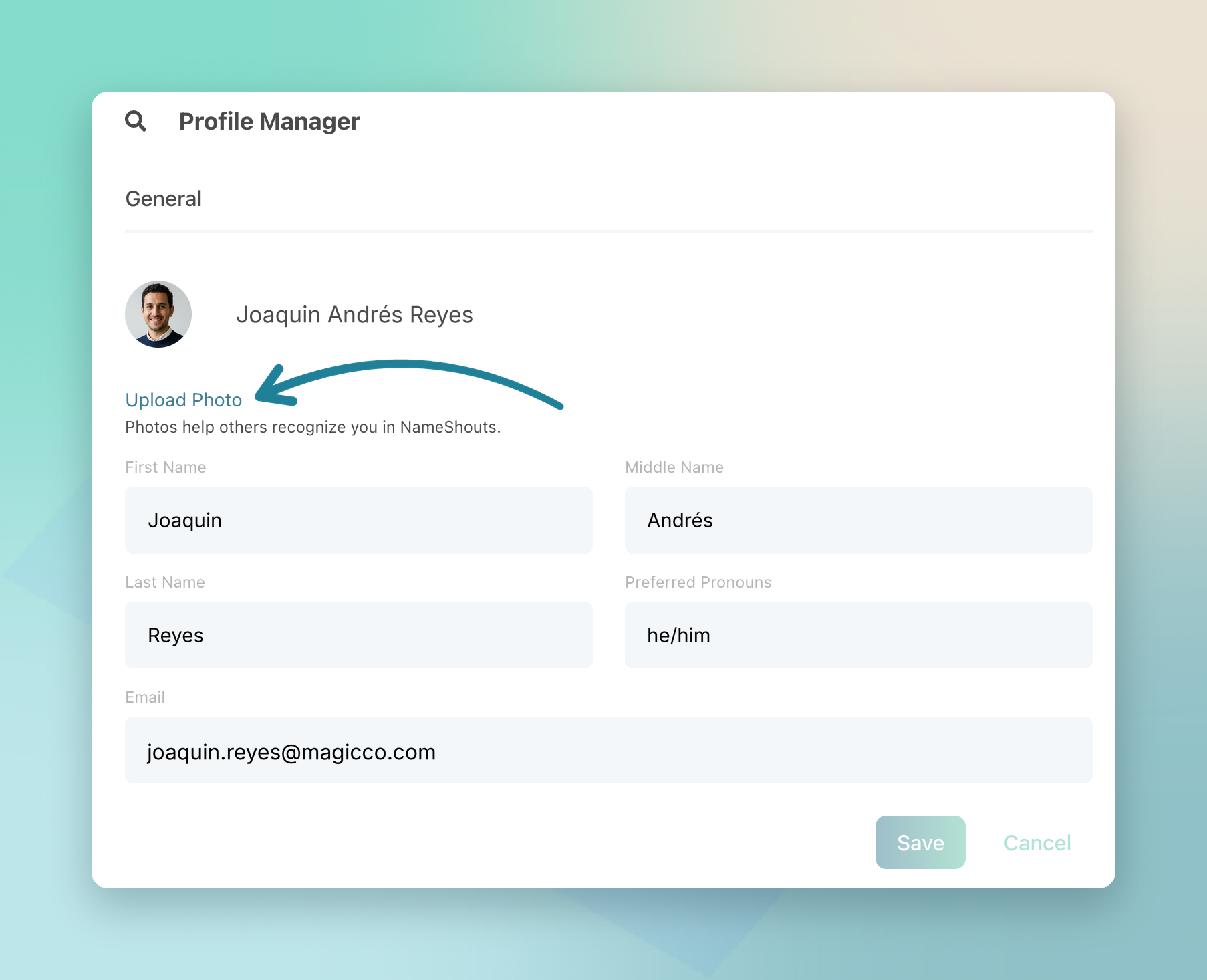
From here you can update your name, photo, pronouns, company, industry, and anything else you entered when you signed up.
What You Can Change
- Edit any field — just click it
- Add a profile photo and your preferred pronouns to your Name Card
- Clear a field by deleting the text and leaving it blank
Good to know: NameShouts won’t keep information you choose not to share.
The same menu also takes you to My Recording, Plan & Billing, Team Management, and Communications.
TL;DR
- Open Profile manager from your avatar
- Every field can be edited or cleared
- Your photo and preferred pronouns will appear on your Name Card (if you fill them in).